Secure Every Clinical Device Across Every Facility
Trusted by hospitals managing hundreds of Android devices across wards, labs, and reception.
The Problem
- Nurses and clinicians share devices across shifts. No one knows what app was opened last or whether patient data was wiped.
- Your hospital has 300+ Android tablets and phones. Your IT team of 3 cannot physically touch each one when a policy changes.
- Regulatory audits demand proof of device compliance. You are pulling spreadsheets together hours before inspections.
- Apps auto-update overnight and break the EMR workflow your staff depends on. It takes two days to fix across the fleet.
- Devices used in wards, labs, and reception have different requirements. You have no way to set different rules for each group.
The Solution
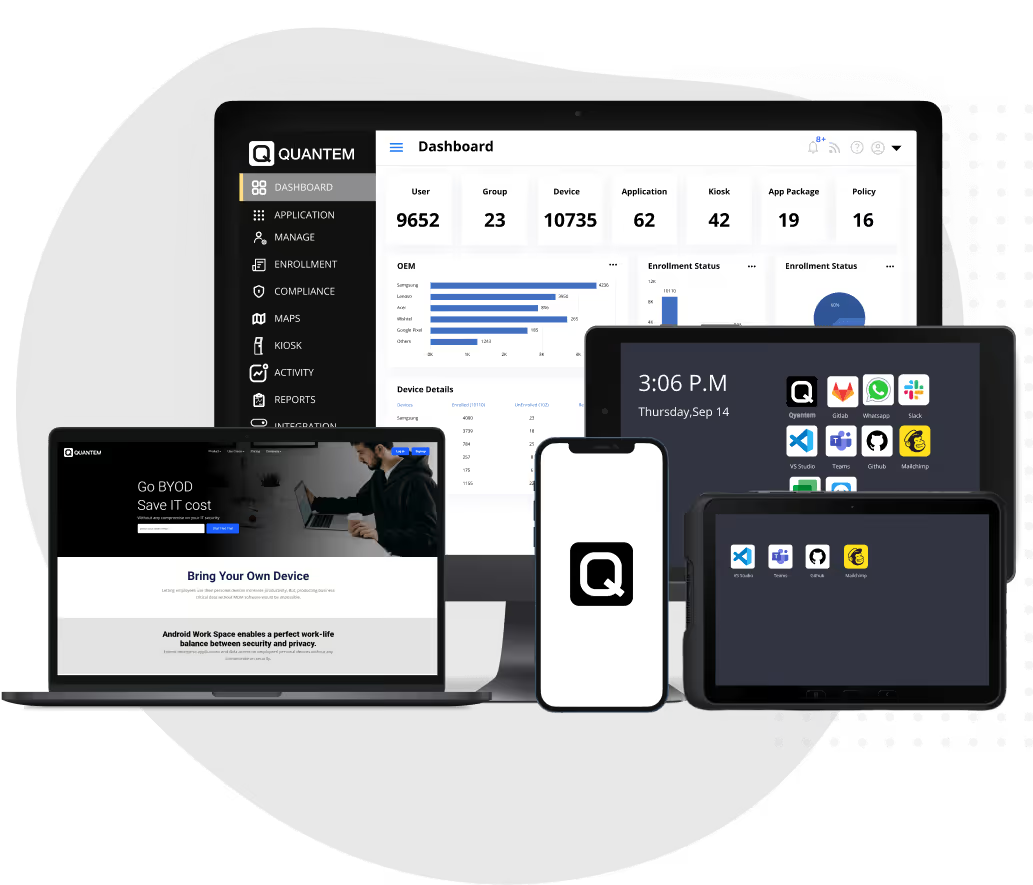
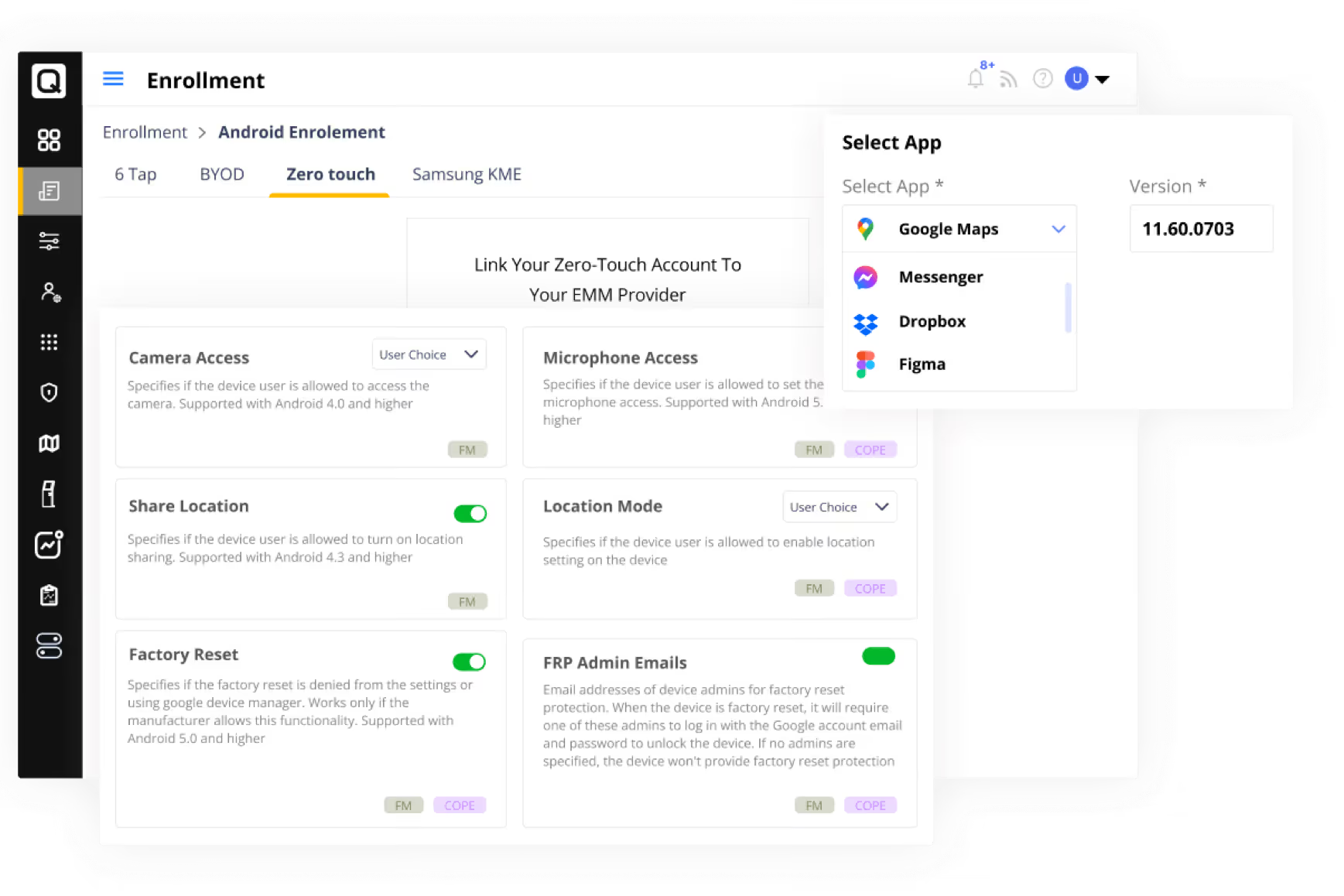
Quantem MDM for healthcare gives your IT team a single console to manage every device across every site. You push policies, lock apps, and run compliance reports without stepping away from your desk.
- Lock devices to approved clinical apps only, so staff cannot install anything that puts data at risk.
- Push policy updates across all wards and locations in minutes, not days.
- Run automated compliance reports before every audit. No manual data collection.
- Set device groups by ward, role, or location. Different rules for ICU, pharmacy, and front desk, all in one place.
- Remotely wipe any lost or stolen device immediately to protect patient data.
How It Works
Step 1
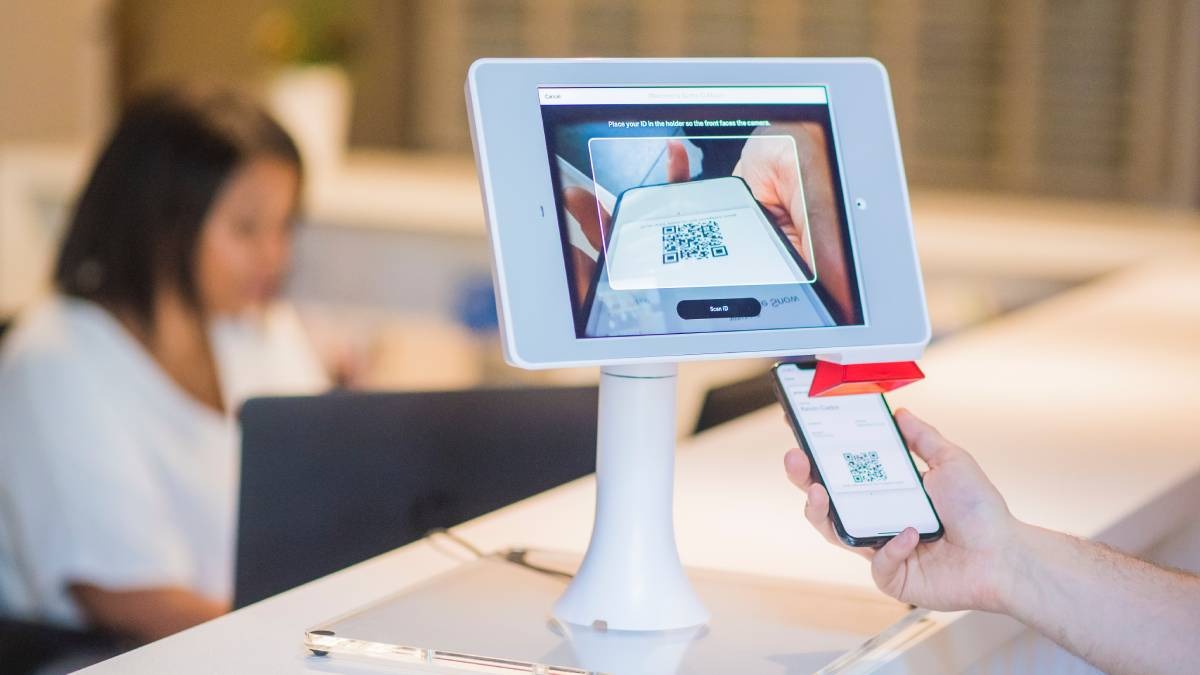
Enroll your entire device fleet using zero-touch or QR code enrollment. No manual configuration on each device.
Step 2
Create device groups for each ward, department, or role. Apply the right policies to each group with a few clicks.
Step 3
Push approved apps, block unauthorized ones, and freeze app versions that work with your EMR.
Step 4
Monitor all devices in real time. Get alerts for offline devices, low battery, or policy violations.
Step 5
Run scheduled compliance reports and share them with your audit team directly from the Quantem console.
Key Benefits
Cut device setup time by up to 80%
with zero-touch enrollment instead of manual provisioning.
Stay audit-ready at all times with
with automated compliance logs and scheduled reports.
Reduce IT escalations
by locking devices to only the apps clinical staff actually need.
Manage 300 devices with a team of 3
because all controls are in a single dashboard.
No expensive on-site visits
to update, troubleshoot, or reconfigure devices in remote facilities.
Who It's For

Quantem MDM for healthcare works for hospital networks, diagnostic chains, rehabilitation centers, and specialty clinics managing shared Android devices across multiple sites.
- Multi-facility hospital networks managing bedside tablets and nurse handhelds.
- Diagnostic labs with Android devices running test management apps.
- Rehabilitation centers with kiosk devices for patient check-in and therapy tracking.
- Home healthcare agencies tracking field staff devices and ensuring app compliance.
Save 50% on all plans for lifetime
Get the best MDM solution in market at best price
Per month billed yearly
Per month billed yearly
Per month billed yearly
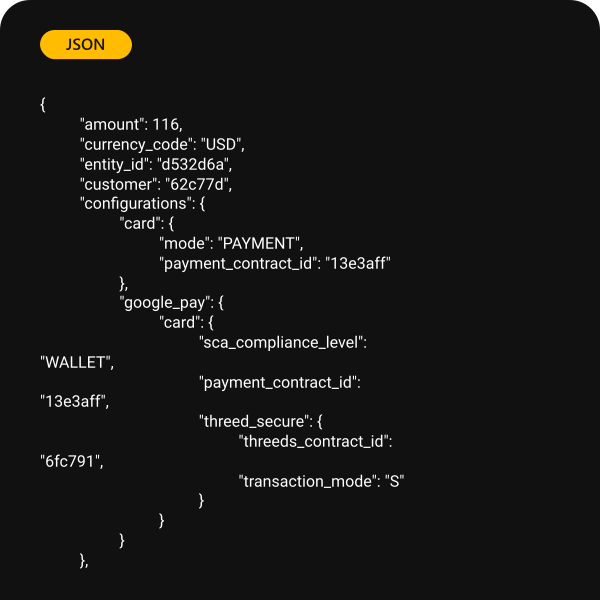
Designed for Developers
Our API make it easy for you to manage every aspect of your device fleet management. Leverage our easy step-by-step guide for a seamless integration experience.
Test out the full suite of capabilities.


Support
We're always present and connected to your business.
Whether enrolling your first device fleet or migrating from an existing one, we have the right MDM solution for you to choose that meets every business need.
Frequently Asked Questions (FAQs)
Quantem MDM is a device management software tool which is used to centrally monitor, control, and maintain a network of devices, such as computers, smartphones, tablets, IoT devices, and more. It intends to streamline tasks like software updates, security patches, remote troubleshooting, and inventory tracking.
MDM provides simplified device deployment, efficient remote management, enhanced security through consistent updates and policies. It acts as an essential feature for maintaining productivity and securing sensitive data.
When choosing an MDM software, take note of features like Remote monitoring and control, Automated software deployment, Patch management, Security policy enforcement, Location tracking, Remote troubleshooting capabilities, integration with other IT tools, and support for a range of device types and OS.
Device management software can be beneficial for businesses of all sizes. While larger enterprises often have more devices to manage, small businesses need MDM which provides streamlined management, improved security, and reduced operational overhead which helps them to maintain a seamless workflow.