
Simple Android Mobile Device Management
Efficiently manage and secure Android devices, ensuring compliance and seamless data protection.
Empowering End Users & IT Admins
With Futuristic Innovation
No Touch Deployment
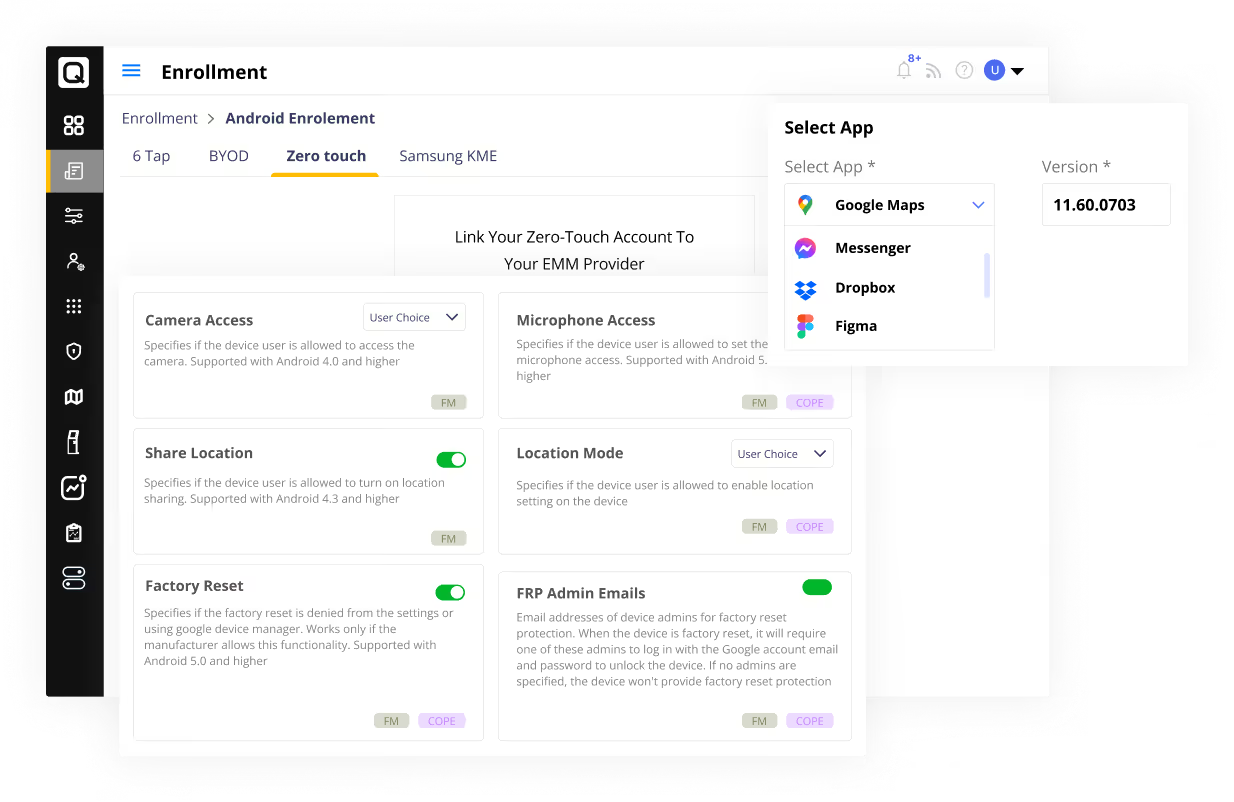
With Android Mobile Device Management, businesses can deploy devices remotely, allowing for easy enrollment and configuration from anywhere. This streamlines the process, ensuring devices are securely set up. The result? A hassle-free onboarding experience for new employees or new projects.
Breathtaking User Experience
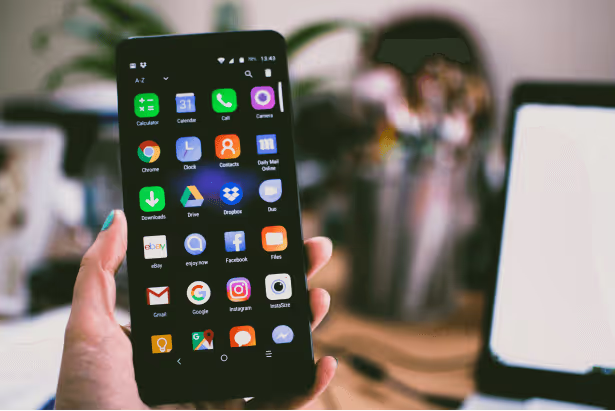
Android Mobile Device Management provides an out-of-the-box experience, enabling end-users to start using their devices quicker with the necessary applications and configurations tailored to their roles. This approach reduces the time spent on manual configuration and helps users get their job done.
Effortlessly Enroll Devices
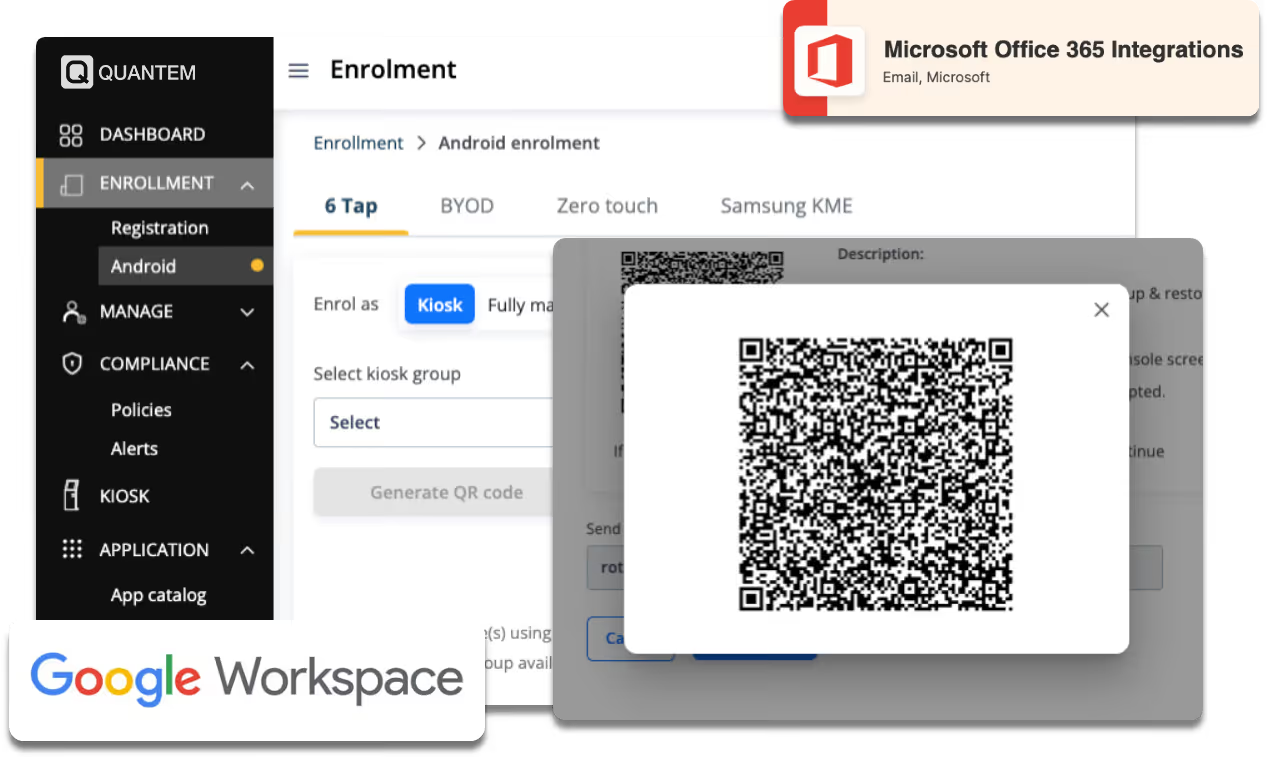
Tired of spending valuable time manually enrolling and configuring devices for each end-user? With the integration of Google workspace or Microsoft 365 for Android in the enterprise, you can effortlessly import employee details and enable end-users to enroll their devices, reducing the workload for IT Admins.
Comprehensive Logs and Reports
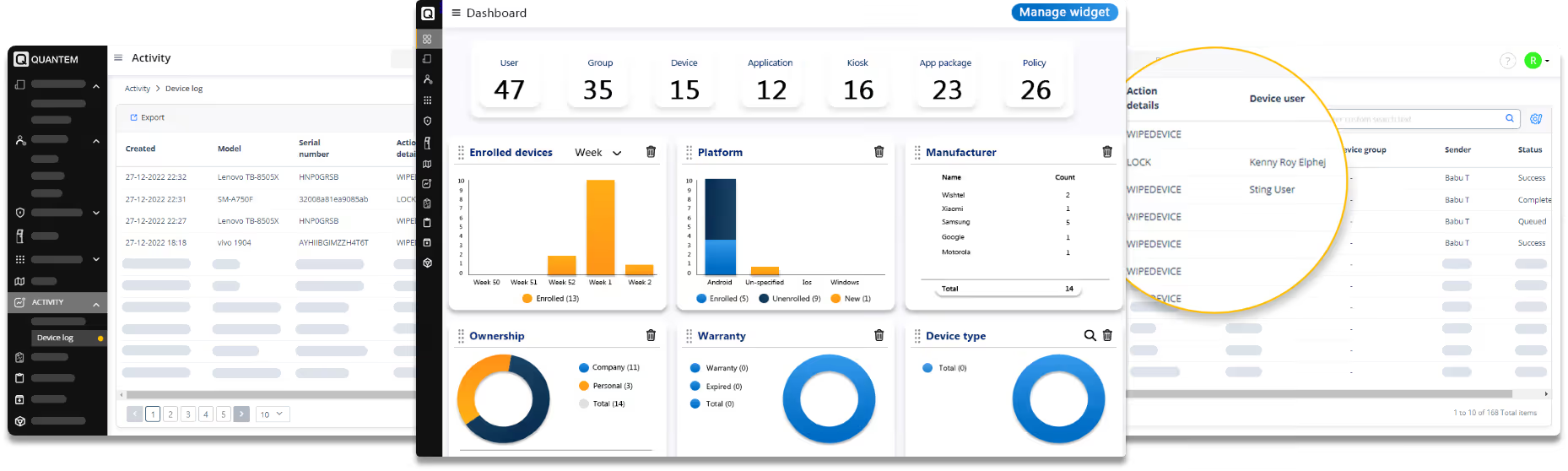
Android enterprise management can be a daunting task, but with Quantem's comprehensive logs and reports, it doesn't have to be.
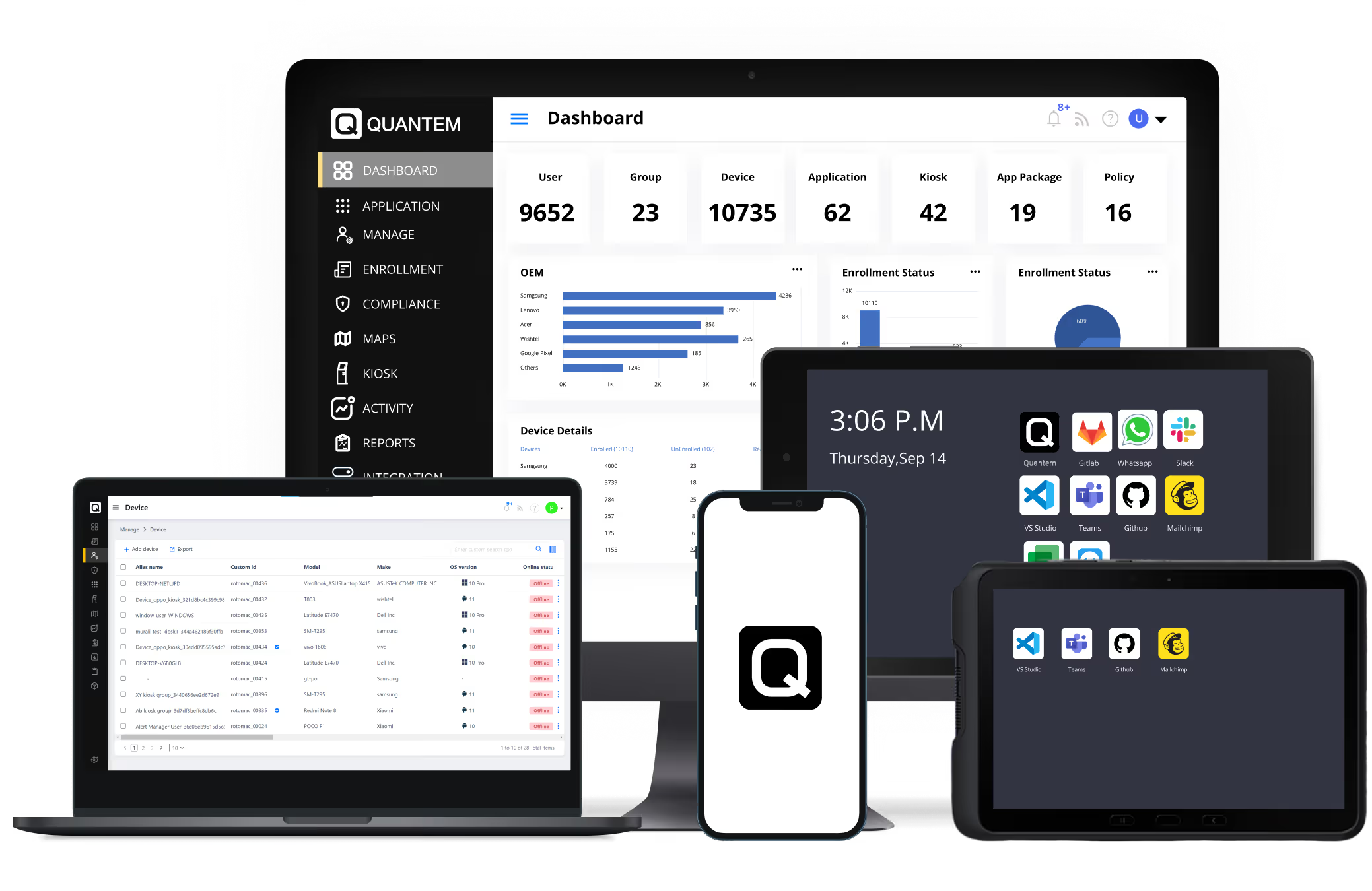
Gain complete control with the information presented on a single screen easily. Identify potential issues, track trends, and optimize your device fleet's performance proactively.
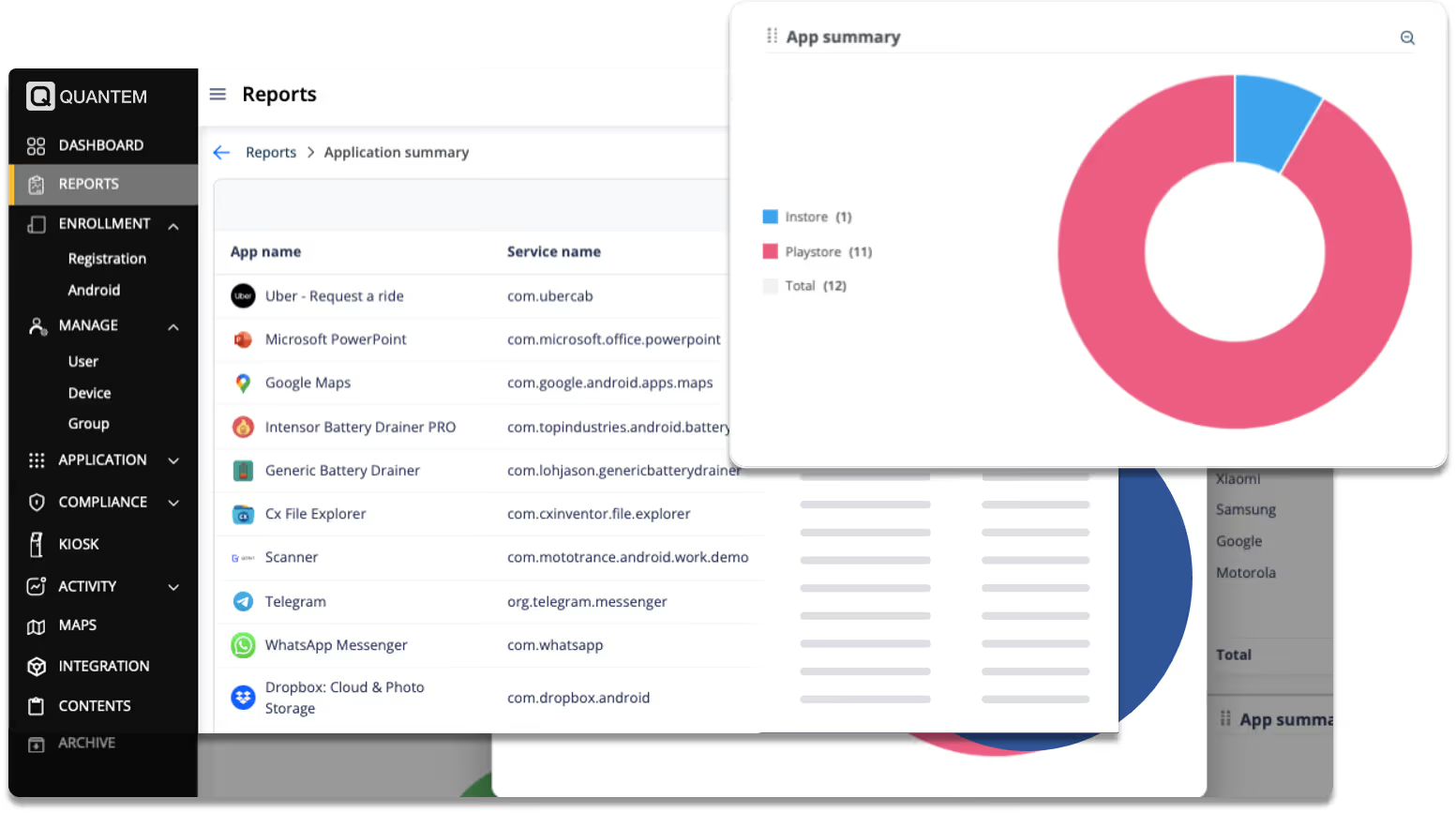
Simplify Asset Tracking with Inventory Management
Conducting regular asset checks and security audits on Android devices can be time-consuming and costly. Quantem's endpoint inventory management solution simplifies the process by automatically tracking real-time device information, improving security, and minimizing risks.
Secure Browsing Made Simple
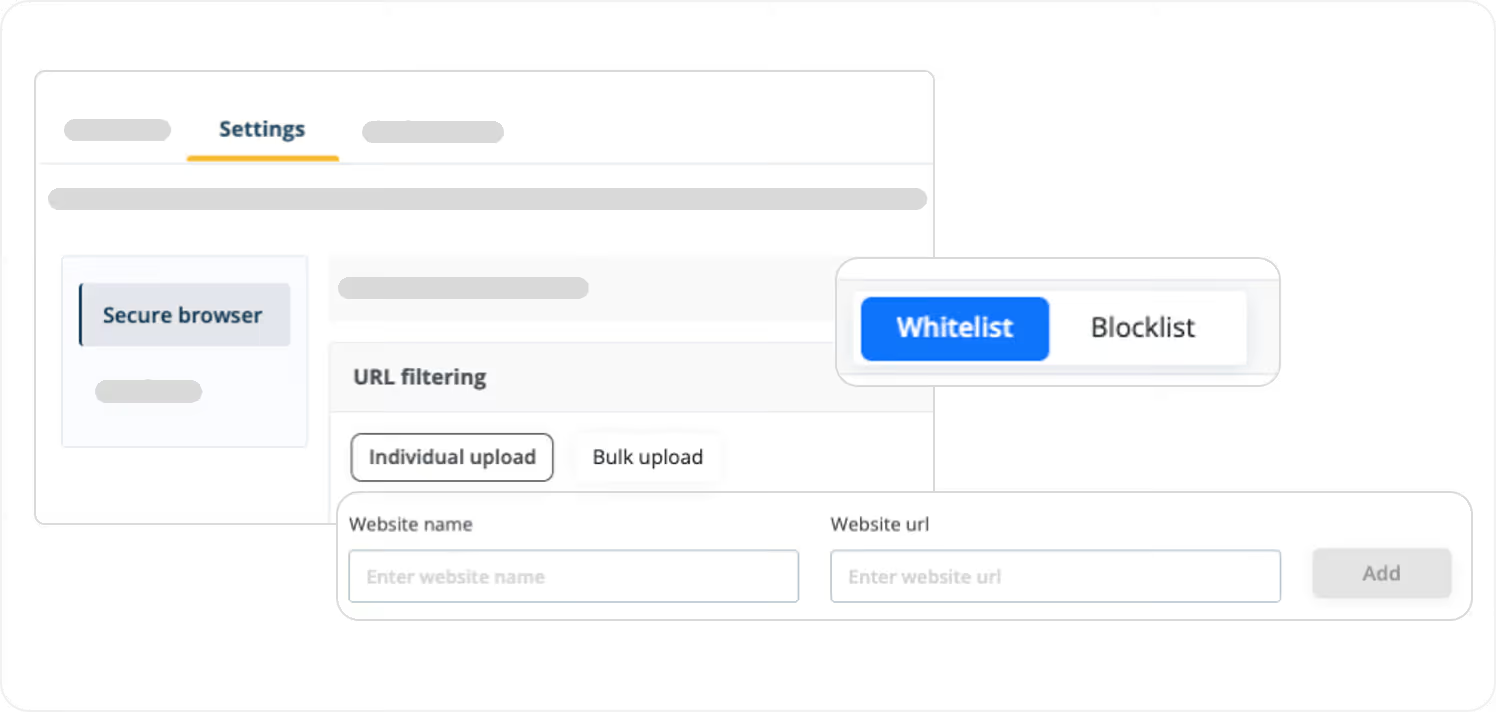
Ensure your users aren't distracted by unwanted content by imposing browser-level whitelist and blacklist options using the Android Management Software. Create customized whitelists and blacklists to block access to potentially harmful websites or web apps, providing an added layer of security.
Frequently Asked Questions (FAQs)
Android Mobile Device Management is a system that allows businesses to remotely manage and secure Android devices, ensuring compliance and data protection. It streamlines the deployment and configuration process, making it easy to onboard new employees or projects.
With the integration of Google workspace or Microsoft 365 for Android devices, IT admins can effortlessly import all relevant details and enable end-users to enroll their devices on their own. This reduces the workload for IT admins and helps employees get started quickly.
This solution provides comprehensive logs and reports, giving IT admins complete control with the information presented on a single screen. This helps identify potential issues, track trends, and optimize device fleet performance proactively.
Endpoint inventory management simplifies asset tracking by automatically tracking real-time device information, improving security, and minimizing risks. This eliminates the need for time-consuming and costly manual asset checks and security audits.
Android Device Management Software imposes browser-level whitelist and blacklist options to ensure users aren't distracted by unwanted content. This creates customized whitelists and blacklists to block access to potentially harmful websites or web apps, providing an added layer of security.